
Use cases · Roaming Testing
Roaming testing on every partner network, without leaving the office
Roaming testing confirms that your subscribers can attach to each partner network abroad and use data, SMS and voice there — and that the steering and commercial rules behind each agreement behave as intended. SimCheck.ai runs those checks as a service: lock a real modem to a specific visited operator by its PLMN code, run data, SMS and voice tests with your own eSIM profiles, and see every home and visited operator pair in one roaming matrix.
Roaming breaks quietly, and roamers find it first
A roaming relationship is tested thoroughly once, during IREG and TADIG testing before launch, and then expected to work for years. Meanwhile partners change core network vendors, adjust APN and IMS settings, re-route signaling through a new hub, switch off 3G and tune steering. Any of those changes can leave your subscribers unable to attach, attached without data, or without voice — on one partner, in one country, while every dashboard at home stays green.
Checking properly means being in the visited country, on that specific partner network, with your own SIM. The traditional answers — test SIMs posted to partners, specialist test vendors with long lead times, engineers on business trips — are slow and costly, so most partners are rarely re-checked after launch. The first sign of a broken agreement is often a complaint from a roamer.
How roaming testing works on SimCheck.ai
- 1
Load your home profiles
Add the eSIM profiles your roamers use and tag each with its home network. Group them so a test can draw any free profile.
- 2
Pick the country and the partner
Choose a location on the SimCheck network or your own edge, then force the visited operator by PLMN (MCC-MNC). Leave it automatic to see which network the device selects on its own.
- 3
Run data, SMS and voice
Attach, data session, speed or iperf3, SMS delivery and a real voice call — as Quick Tests or one saved flow — with decoded signaling for any rejected attach.
- 4
Schedule and report
Save the configuration, run it on an interval, and track every home × visited pair in the roaming matrix, with CSV/PDF export and email delivery.
What roaming testing covers
Force operator by PLMN
Lock a test to a visited network by its MCC-MNC code to check each partner one at a time, or leave selection automatic to see where the device lands.
Force radio technology
Test a partner on 5G SA, 5G NSA, LTE, LTE-M, NB-IoT, 3G or 2G to confirm each technology in the agreement works for your roamers.
Data while roaming
DNS and ping, latency and HTTP timing, iperf3 throughput with jitter and loss, and a speed test with bufferbloat.
SMS and voice while roaming
SMS delivery status, and real calls with IMS registration state, bearer (VoLTE, VoNR or circuit-switched), setup time and outcome.
Reject causes, decoded
When a partner refuses an attach, the Signaling tab shows the decoded radio messages and the network's reject cause; packet captures are kept as artifacts.
Roaming matrix report
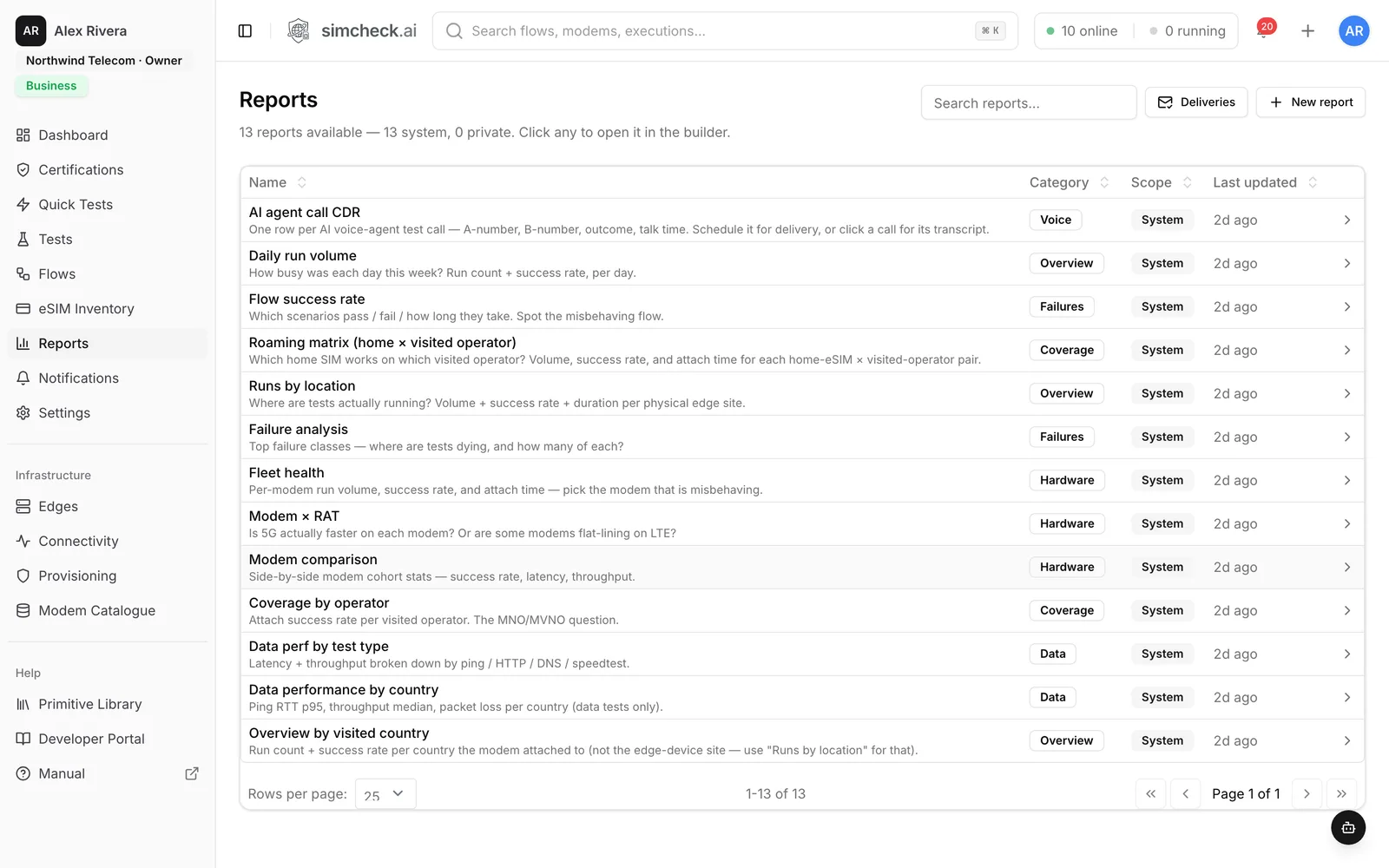
Home operator × visited operator, with run volume, success rate and attach time. The failing cell is the agreement to chase.
Coverage by operator
A second built-in report shows which visited operators you actually attach to in each country, and how reliably.
Scheduled regression
Re-run the same roaming suite after every IREG, TADIG or partner change and on a recurring interval, with email reports only when a run fails.
What to test on each roaming partner
| Check | Why it matters | Test |
|---|---|---|
| Attach and registration | Proves the partner accepts your subscribers and the agreement is live | Network Connection Test, forced PLMN |
| Data session and APN | Roamers often attach but get no data because of APN or gateway issues | Data Connection Test |
| Data quality | Home-routed data can add noticeable latency | Data Performance, iperf3, Speed Test |
| SMS | Messages cross several interconnects before delivery | SMS Test |
| Voice | VoLTE roaming needs IMS support on both sides; with 3G gone there may be no fallback | Voice Call Check |
| Technology | An agreement may cover LTE but not 5G SA, LTE-M or NB-IoT | Forced RAT |
| Network selection | Shows which network the device picks on its own | Automatic selection, decoded signaling |
For the full method, see the roaming testing guide. Voice gets its own page: VoLTE and voice testing.
Steering of roaming and what it does to your tests
Steering of roaming lets a home operator push its roamers toward preferred partners. Classic techniques include updating the preferred network list on the SIM and rejecting registration attempts on non-preferred networks so the device tries another; in 5G, steering information can also be delivered during registration.
Steering has two visible effects on testing. With network selection on automatic, a device may be rejected one or more times before it settles, which shows up as a longer attach time and as reject causes in the decoded signaling. With the PLMN forced, a non-preferred partner can refuse the device outright, even though the agreement is technically live.
Run both views. Automatic selection measures what your subscribers experience; a forced PLMN verifies each partner on its own merits. Comparing the two in the roaming matrix shows where steering helps and where it costs your roamers time.
IREG, TADIG and regression after every change
IREG testing proves the technical side of a new roaming relationship — attach, data, SMS and voice end to end. TADIG testing proves that usage is recorded and exchanged correctly for billing. Both happen at launch; neither tells you what changed last week.
A practical pattern:
- Save one configuration per partner — profile group, location, forced PLMN and the tests you need.
- Run the whole set when IREG or TADIG work completes, and again whenever a partner announces a change.
- Keep a lighter version on a recurring schedule as an uptime monitor.
- Email the roaming matrix weekly, plus failure-only reports after each scheduled run.
SimCheck.ai verifies the technical service; it does not replace TADIG billing reconciliation. See IREG vs TADIG testing for how the two fit together.
Frequently asked questions
What is roaming testing?
Roaming testing verifies that a home operator's subscribers can register on a partner network abroad and use data, SMS and voice there. It covers launch testing such as IREG, plus ongoing checks that each partner still works after configuration changes.
How do you test a roaming partner network?
Put a SIM from the home network into a device in the visited country, lock it to the partner's PLMN, and run an attach check, a data session, an SMS and a voice call. On SimCheck.ai that is a saved configuration you can re-run or schedule.
What is the difference between IREG and TADIG testing?
IREG testing checks the technical roaming service end to end — attach, data, SMS and voice. TADIG testing checks that roaming usage is recorded and exchanged correctly between operators for billing.
Can I test roaming without traveling to the country?
Yes. Tests run on real modems at sites on the SimCheck network or on your own edge devices, and the visited operator is selected by PLMN. You get attach, data, SMS and voice results in minutes.
How do I test steering of roaming?
Run the same test with automatic network selection and with each partner's PLMN forced. Longer attach times, reject causes in the decoded signaling and the network the device finally lands on show how steering behaves.
How often should roaming be retested?
After every IREG or TADIG change, whenever a partner announces network work, and on a regular schedule for key partners — daily for top destinations is a sensible starting point. Failure-only email reports keep the noise down.
Keep exploring
- LearnRoaming testing: types, methods, KPIs and how to automate itWhat roaming testing covers (IREG, TADIG, end-to-end service, steering and QoS checks), how operators run it today, which KPIs to track and how to automate it.
- LearnIREG vs TADIG testing: what each validates in a roaming launchIREG testing proves roaming services work between two networks; TADIG testing proves the usage is billed correctly. Definitions, GSMA documents and comparison.
- GlossarySteering of RoamingSteering of roaming (SoR) is how a home operator directs roaming devices onto preferred partner networks, using SIM lists, signaling rejects or 5G signaling.
- Use casesTravel eSIM MonitoringVerify each destination's partner networks, speed and browsing on real modems, and monitor every country you sell.
- Use casesVoLTE & Voice TestingPlace real calls and see IMS registration, bearer, setup time, outcome and a recording — at home and roaming.
- SolutionseSIM Testing for Mobile Operators & MNOsAutomated eSIM, roaming, VoLTE and 5G testing for mobile operators. Validate SGP.22 and SGP.32 profiles and roaming partners on live networks with AI.
Check every roaming partner, every day
Start a 30-day free trial, or talk to us about building a roaming test suite across your partner networks.